Multi-page scan
Frame, crop edges, save up to 20 pages as one PDF or separate documents.
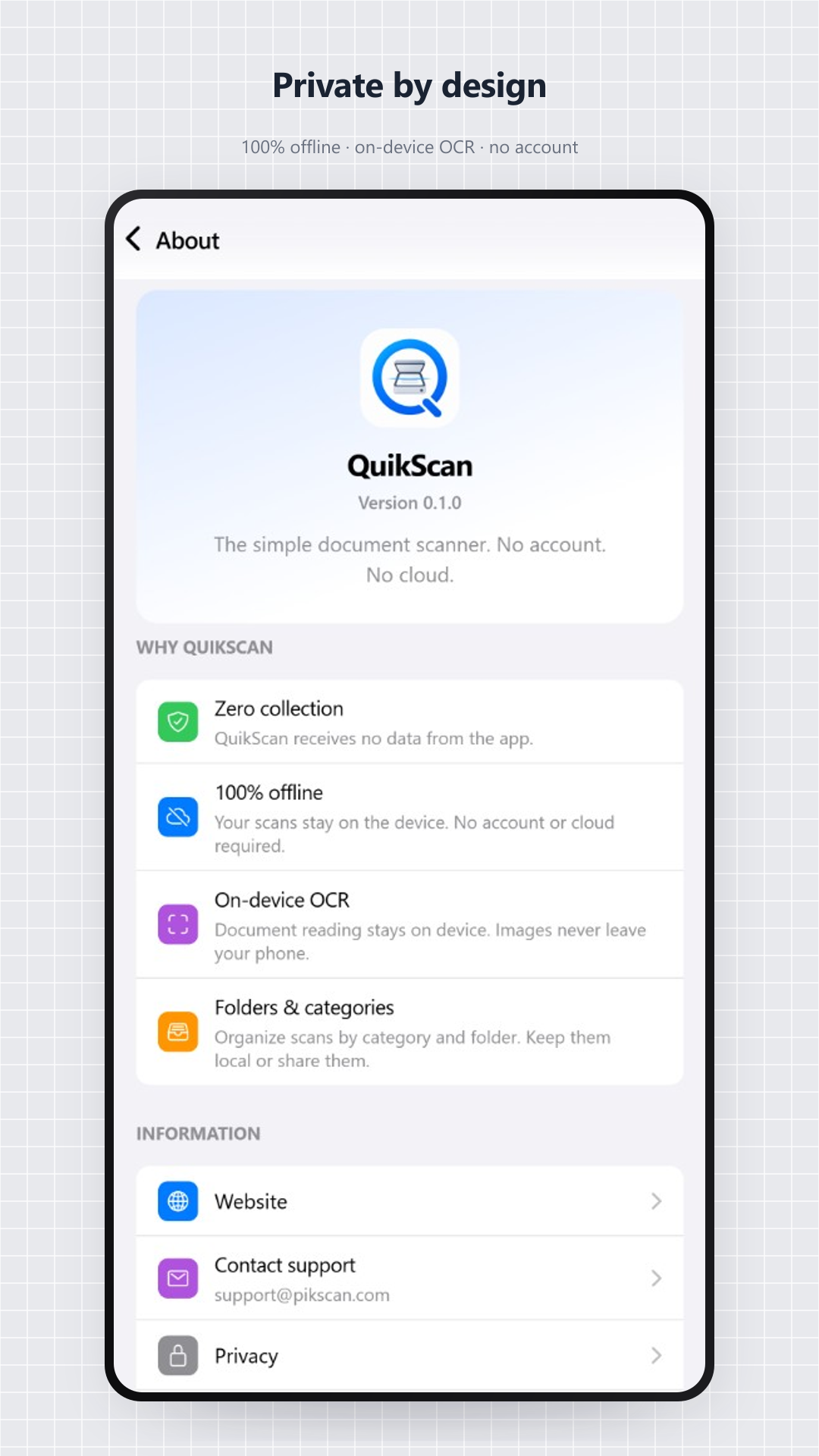
QuickScan is a 100% on-device document scanner app, with no account and no mandatory cloud.
Up to 20 pages · 3 free offline scans · Premium $6.99 (one-time).
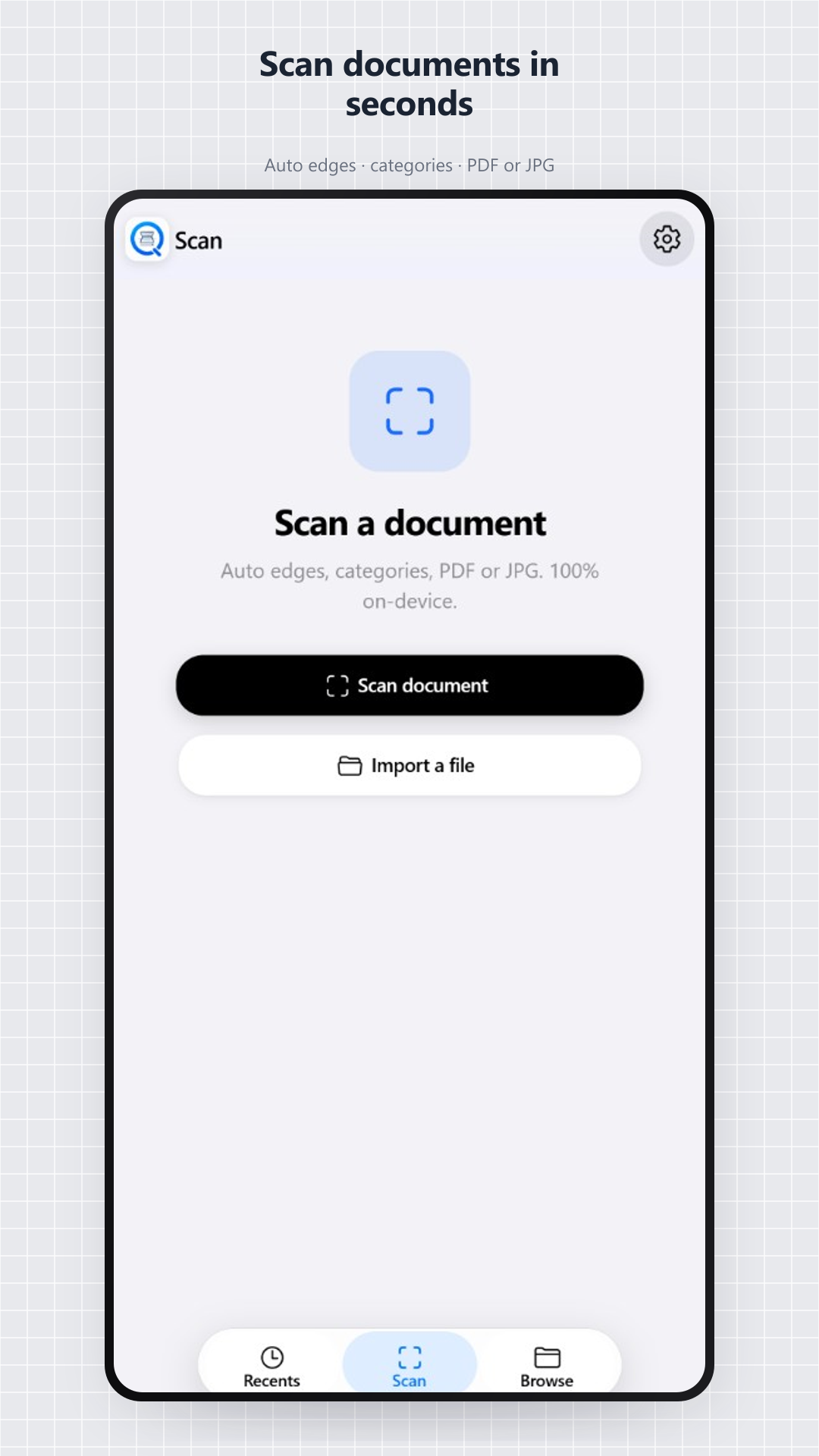
QuickScan turns your phone into a document scanner without uploading your images to our servers.
Frame, crop edges, save up to 20 pages as one PDF or separate documents.
Text is read locally (ML Kit). Images do not leave your phone for OCR.
3 free offline scans, then AdMob: interstitial every 4 captures, rewarded video every 3 OCR. Premium $6.99 (one-time) removes ads.
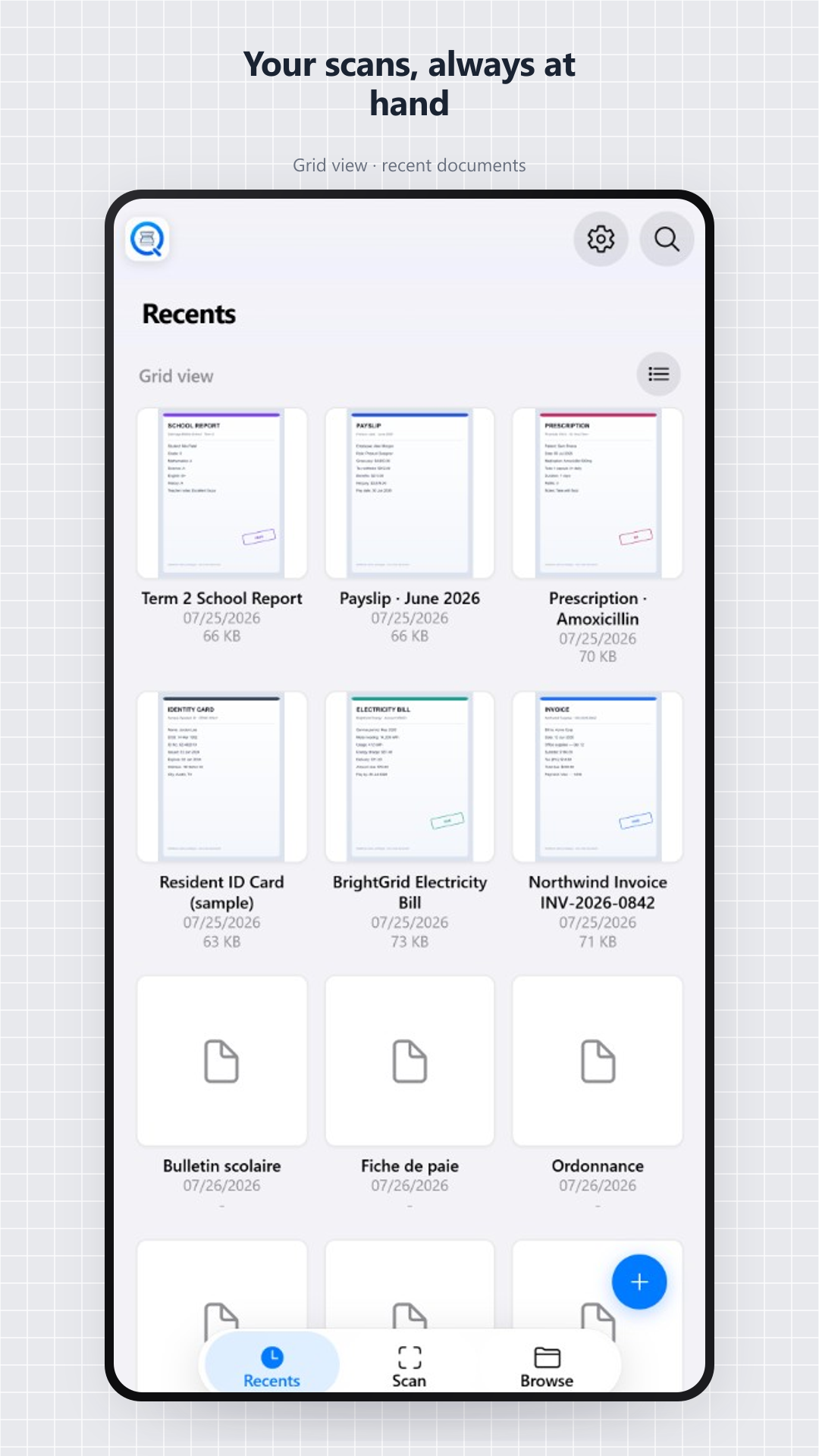
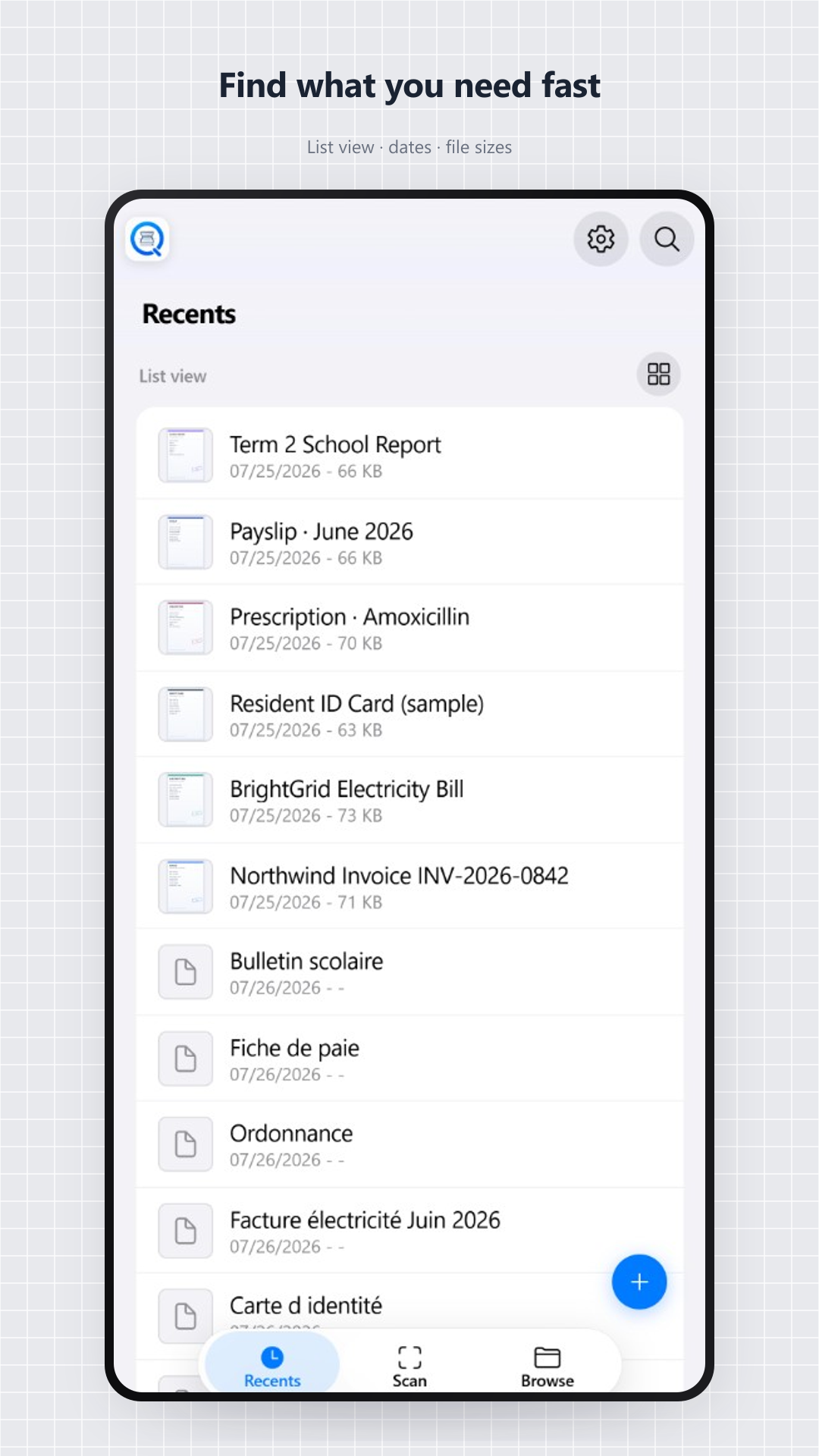
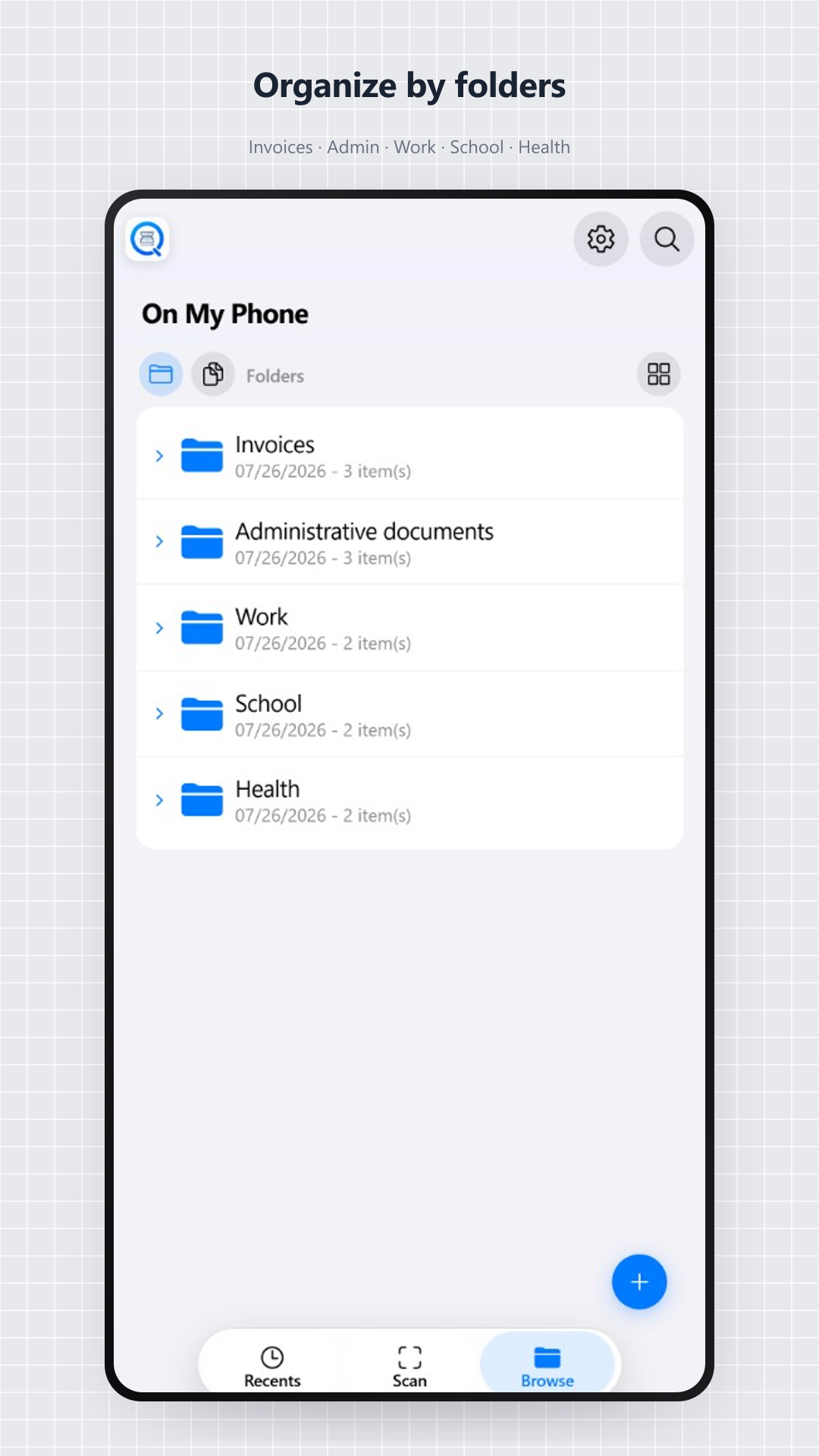
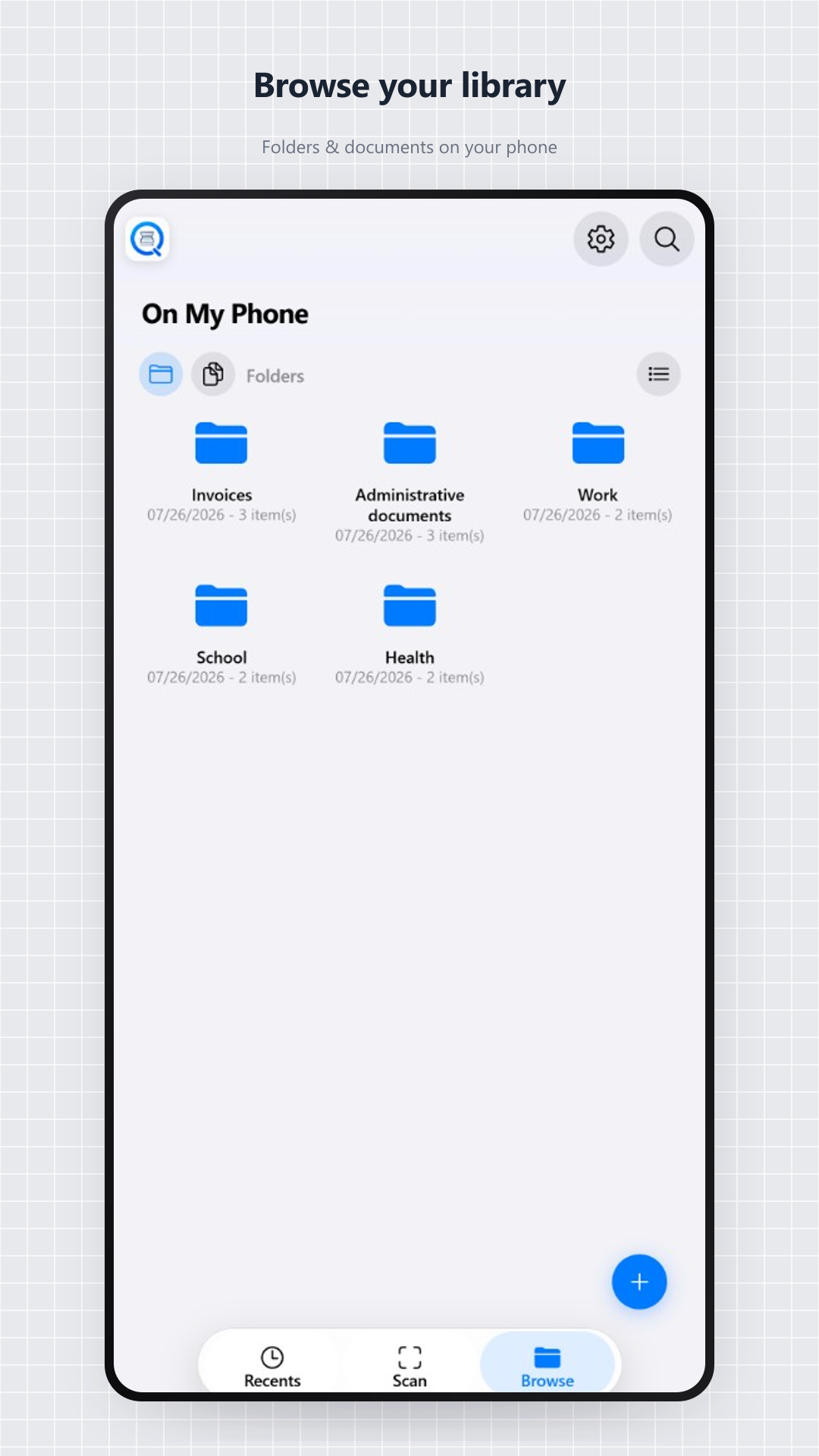
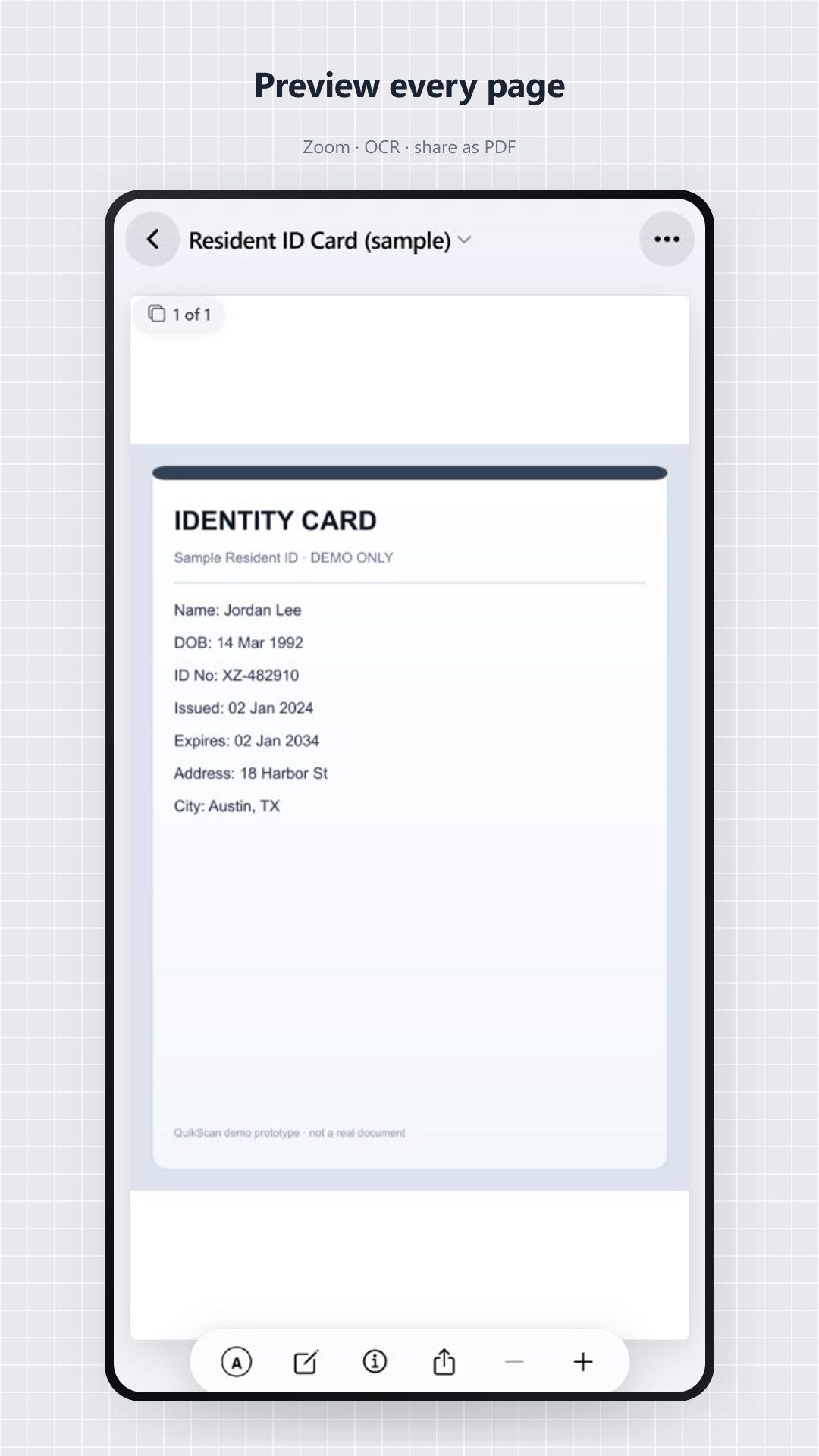
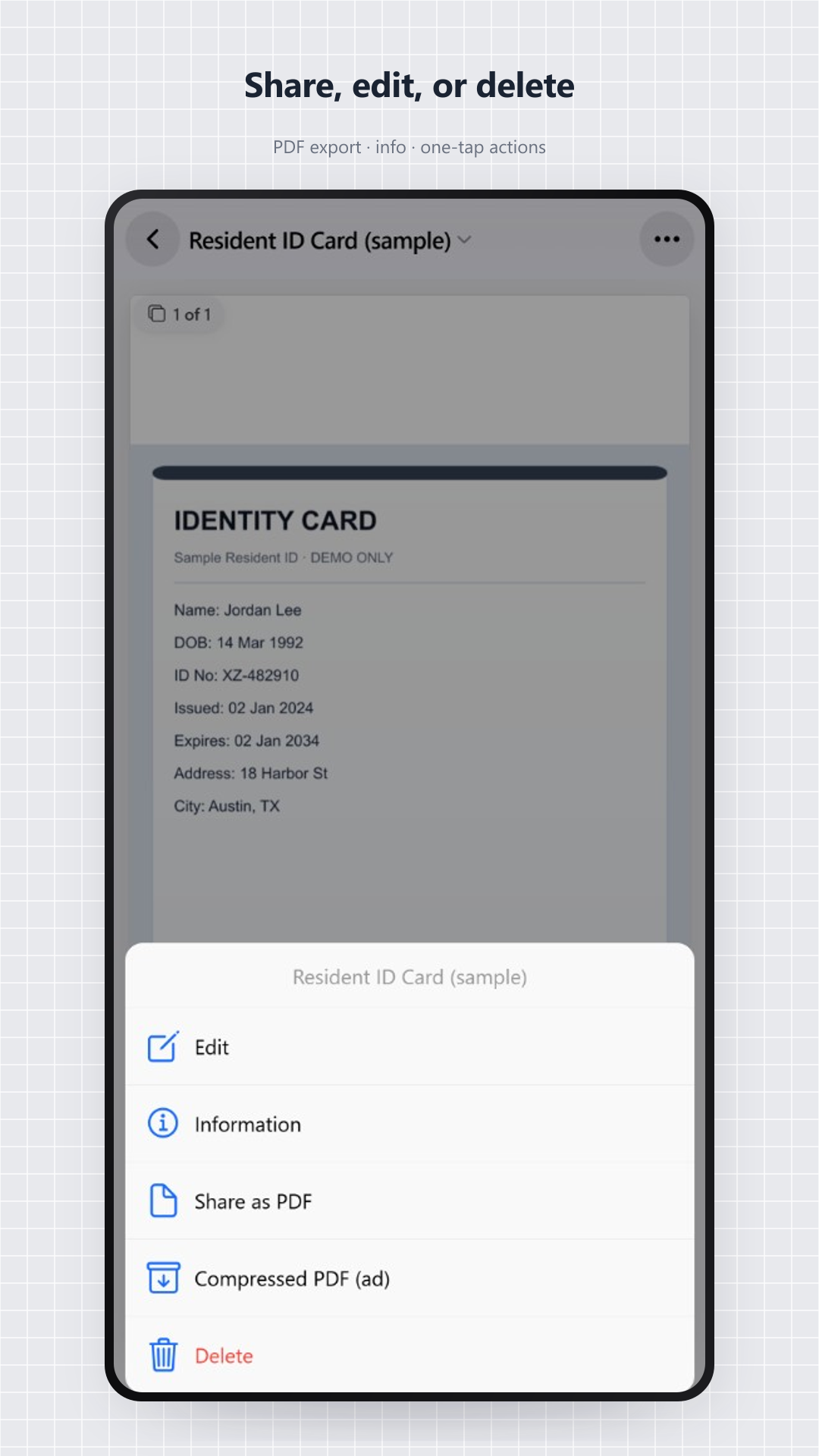
Scan, recents, folders, document preview and privacy, all on-device.
Short, self-contained answers, close to questions people type in Google, ChatGPT, or Perplexity.
Yes. OCR uses Google ML Kit on your phone. Once installed, text recognition runs locally; PikScan does not receive your images.
Yes. Combine up to 20 pages with edge correction, then export as PDF or JPG.
Yes. Organize documents in folders and find them in the library or Recents, stored on the device.
Yes. 3 free offline scans, then an interstitial every 4 captures and a rewarded video every 3 OCR or compressed PDF exports. Premium: $6.99 one-time.
No. Scans, PDFs, and OCR text stay on your phone. See the privacy policy.
No. Download QuickScan from the App Store or Google Play and start scanning.
QuickScan scans an invoice on Android or iOS: local capture, on-device ML Kit OCR, PDF or JPG export. PikScan does not receive your images and does not require a cloud.
QuickScan does not require a PikScan account. Download it from the App Store or Google Play and start scanning immediately, with no sign-up.
Yes. On Android (and iOS), QuickScan OCR uses Google ML Kit on-device. Once installed, text recognition does not send your images to PikScan.
With QuickScan on iPhone: capture up to 20 pages, correct edges, export an A4 PDF. No account is required.
QuickScan scans receipts and tickets locally on Android and iOS. The first 3 scans work offline; OCR stays on the device.
Yes for scan, OCR, and the library after install. The first 3 scans are offline; then AdMob may need a connection. Premium ($6.99) removes ads.
Yes. QuickScan is free with AdMob ads. Scan and PDF export do not require a subscription. Premium $6.99 is an optional one-time purchase.
In QuickScan, run OCR from the document preview. Google ML Kit reads the text on the phone; PikScan does not receive the photo.
Get QuickScan on Android and iOS. Support: support@pikscan.com